Features: Borders
|
|
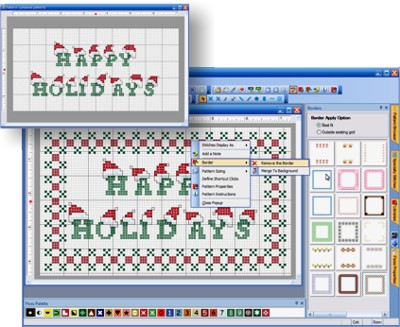
Applying a Border:
You can apply pre-designed borders to any pattern. They're neat because they
can work with any sized design. They quickly allow you to turn a basic pattern into
a finished product!
When you apply a border, the corners are placed in your design, and the top, bottom,
left, and right sections of the border are repeated. This makes the border surround your
current design. Borders are pattern objects so you to change or remove
them at any time.
|
|
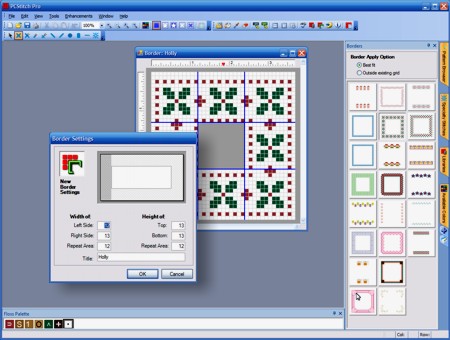
Creating your own Border:
Creating a border is easy. You setup the height and width of the 4 sides, then simply design each
section.
The height and width of the 4 sides does not have to be
the same. Creating borders is very flexible, yet really easy to setup.
|
|
|